
1、文字阴影效果
text-shadow 为网页添加字体阴影,通过对text-shadow属性设置相关的属性值。
属性与值的说明如下:
pretext-shadow:>text-shadow: [X-offset,Y-offset,Blur,Color];

 /* 1.X 轴偏移量:指阴影居于字体水平偏移的位置。*/
 /* 2.Y 轴偏移量:指阴影居于字体垂直偏移的位置。*/
 /* 3. 模糊:指阴影的模糊值。*/
 /* 4. 颜色:指阴影的颜色;   */
举例说明:
这里是文字阴影显示效果
(text-shadow: 15px 15px 5px #4d93fc;)
2、不固定高宽div垂直居中的方法
方法一:伪元素和inline-block / vertical-align(IE8)
            .box-wrap:before {
                content: '';
                display: inline-block;
                height: 100%;
                vertical-align: middle;
                margin-right: -0.25em; //微调整空格
                }
        .box {
            display: inline-block;
            vertical-align: middle;
                }
方法二:flex(不说ie8下面)
            .box-wrap {
                height: 300px;
                justify-content:center;
                align-items:center;
                display:flex;
                background-color:#666;
            }
方法三:transform(不变形ie8以下)
            .box-wrap {
                width:100%;
                height:300px;
                background:rgba(0,0,0,0.7);
                position:relative;
           }
           .box{
               position:absolute;
               left:50%;
               top:50%;
               transform:translateX(-50%) translateY(-50%);
               -webkit-transform:translateX(-50%) translateY(-50%);
           }
方法四:设置:auto(该得方法边缘的非固定宽高,频率50%的父级的宽高。)
            .box-wrap {
                position: relative;
                width:100%;
                height:300px;
                background-color:#f00;
            }
            .box-content{
                position: absolute;
                top:0;
                left:0;
                bottom:0;
                right:0;
                width:50%;
                height:50%;
                margin:auto;
                background-color:#ff0;
            }
3、设置滚动条样式
        .test::-webkit-scrollbar{
            /*滚动条整体样式*/
            width : 10px;  /*高宽分别对应横竖滚动条的尺寸*/
            height: 1px;
          }
          .test::-webkit-scrollbar-thumb {
            /*滚动条里面小方块*/
            border-radius   : 10px;
            background-color: skyblue;
            background-image: -webkit-linear-gradient(
                45deg,
                rgba(255, 255, 255, 0.2) 25%,
                transparent 25%,
                transparent 50%,
                rgba(255, 255, 255, 0.2) 50%,
                rgba(255, 255, 255, 0.2) 75%,
                transparent 75%,
                transparent
            );
          }
          .test::-webkit-scrollbar-track {
            /*滚动条里面轨道*/
            box-shadow   : inset 0 0 5px rgba(0, 0, 0, 0.2);
            background   : #ededed;
            border-radius: 10px;
          }
4、实现隐藏滚动条同时又可以滚动
        .demo::-webkit-scrollbar {
            display: none; /* Chrome Safari */
          }

          .demo {
            scrollbar-width: none; /* firefox */
            -ms-overflow-style: none; /* IE 10+ */
            overflow-x: hidden;
            overflow-y: auto;
          }
5、CSS选取第Ñ个标签元素
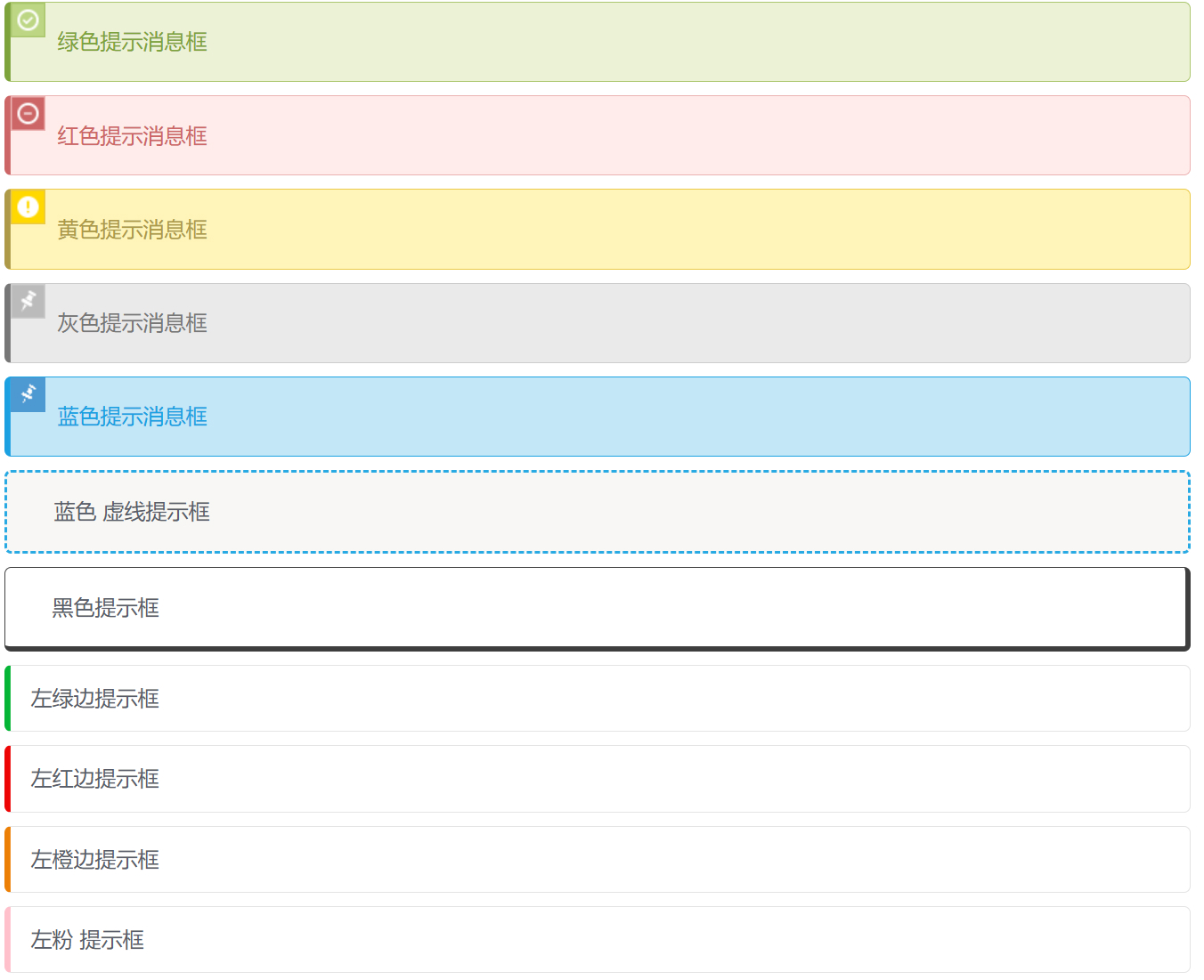
[v_notice]first-child:first-child 表示选择列表中的第一个标签。
last-child:last-child 表示选择列表中的最后一个标签
nth-child(3) 表示选择列表中的第 3 个标签
nth-child(2n) )这个表示选择列表中的偶数标签
第n个孩子(2N-1)这个表示选择列表中的奇数标签
第n个孩子(N + 3)这个表示选择列表中的标签从第3个开始到最后。
nth- child(-n+3) 这个表示 选择列表中的倒数第 3 个标签,即小于 3 个的标签。
nth-last-child(3) 表示这个选择列表中的倒数第 3 个标签。
[/v_notice]
6、文字之间的字间距
text-indent 抬头距离,letter-spacing字与字间距。
        p{
            text-indent:10px;//单词抬头距离
            letter-spacing:10px;//间距
          }
7、元素占满整个屏幕
[v_warn]高度如果使用100%,会根据父级的高度来决定,所以使用100vh单位。[/v_warn]
        .dom{
            width:100%;
            height:100vh;
          }
8、实现文字竖向排版
        // 单列展示时
    .wrap {
            width: 25px;
            line-height: 18px;
            height: auto;
            font-size: 12px;
            padding: 8px 5px;
            word-wrap: break-word;/*英文的时候需要加上这句,自动换行*/
    }
// 多列展示时
    .wrap {
        height: 210px;
        line-height: 30px;
        text-align: justify;
        writing-mode: vertical-lr;  //从左向右
        writing-mode: tb-lr;        //IE从左向右
        //writing-mode: vertical-rl;  -- 从右向左
        //writing-mode: tb-rl;        -- 从右向左
    }
9、使元素鼠标事件失效
        .wrap {
            // 如果按tab能选中该元素,如button,然后按回车还是能执行对应的事件,如click。
           pointer-events: none;
           cursor: default;
          }
10、禁止用户选择
        .wrap {
            -webkit-touch-callout: none;
            -webkit-user-select: none;
            -khtml-user-select: none;
            -moz-user-select: none;
            -ms-user-select: none;
            user-select: none;
          }
11、字母大小写转换
 p {text-transform: uppercase}  // 将所有字母变成大写字母
 p {text-transform: lowercase}  // 将所有字母变成小写字母
 p {text-transform: capitalize} // 首字母大写
 p {font-variant: small-caps}   // 将字体变成小型的大写字母
12、将一个容器化为透明
        .wrap {
            filter:alpha(opacity=50);
            -moz-opacity:0.5;
            -khtml-opacity: 0.5;
            opacity: 0.5;
          }
13、移除一个标签被点链接的边框
a {
        outline: none;//或者outline: 0
        text-decoration:none; //取消默认下划线
        }
14、CSS显示链接之后的URL
        <a href="//www.webqdkf.com"> 有课前端网</a>
        <style>
            a:after {content: " (" attr(href) ")";}
        </style>
15、识别字符串里的'\n'并换行
一般在富文本中返回换行符不是<br>的标签,而且\n。不使用正则转换的情况下,可通过下面样式实现换行。
    body {
        white-space: pre-line;
     }
16、让div里的图片和文字同时上下居中
    .wrap {
        height: 100,
        line-height: 100
      }
      img {
        vertival-align:middle
      }
      // vertical-align css的属性vertical-align用来指定行内元素(inline)或表格单元格(table-cell)元素的垂直对齐方式。只对行内元素、表格单元格元素生效,不能用它垂直对齐块级元素
      // vertical-align:baseline/top/middle/bottom/sub/text-top;
17、实现宽高等典型实例
        .scale {
            width: 100%;
            padding-bottom: 56.25%;
            height: 0;
            position: relative;
          }
          .item {
            position: absolute;
            width: 100%;
            height: 100%;
            background-color: 499e56;
          }
          <div class="scale">
               <div class="item">
                   这里是所有子元素的容器
               </div>
           </div>
18、文字渐变效果实现
    <div class="text_signature " > 有课前端网,一个专门学习前端知识的网站</div>
    <style>
        .text_signature {
                        -webkit-background-clip: text;
                        -webkit-text-fill-color: transparent;
                        background-image: linear-gradient(to right, #ec2239, #40a4e2,#ea96f5);
                        width: 320px;
                    }
</style >
19、好看的边框
        <div class="text_shadow"></div>
        <style>
        .text_shadow{
        width:500px;
        height:100px;
        box-shadow: 0px 0px 13px 1px rgba(51, 51, 51, 0.1);
        }
        </style>
20、字体背景渐变
        .text_gradient{
            width:500px;
            height:100px;
            background: linear-gradient(25deg, rgb(79, 107, 208), rgb(98, 141, 185), rgb(102, 175, 161), rgb(92, 210, 133)) rgb(182, 228, 253);
          }
这里是字体背景渐变效果
21、实现立体字的效果
        <div class="text_solid"> 有课前端网,一个专门学习前端知识的网站</div>
            <style>
               .text_solid{
                  font-size: 32px;
                  text-align: center;
                  font-weight: bold;
                  line-height:100px;
                  text-transform:uppercase;
                  position: relative;
                  background-color: #333;
                  color:#fff;
                  text-shadow:
                  0px 1px 0px #c0c0c0,
                  0px 2px 0px #b0b0b0,
                  0px 3px 0px #a0a0a0,
                  0px 4px 0px #909090,
                  0px 5px 10px rgba(0, 0, 0, 0.6);
            }
            </style>
立体字效果
22、全屏背景图片的实现
    .swper{
        background-image: url(./img/bg.jpg);
        width:100%;
        height:100%;//父级高不为100%请使用100vh
        zoom: 1;
        background-color: #fff;
        background-repeat: no-repeat;
        background-size: cover;
        -webkit-background-size: cover;
        -o-background-size: cover;
        background-position: center 0;
      }
23、CSS文字模糊效果
    .vague_text{
    color: transparent;
    text-shadow: #111 0 0 5px;
    }
CSS文字模糊效果
24、移出鼠标彩色图标变灰
    <a href='' class='icon'><img src='01.jpg' /></a>
    <style>
    .icon{
    -webkit-filter: grayscale(100%);
    -moz-filter: grayscale(100%);
    -ms-filter: grayscale(100%);
    -o-filter: grayscale(100%);
    filter: grayscale(100%);
    filter: gray;
    }
    .icon:hover{
    filter: none;
    -webkit-filter: grayscale(0%);
    }
    </style>
25、行内标签元素出现空白问题
方法一:父级font-size设置为0
       .father{
               font-size:0;
            }
方法二:父元素上设置word-spacing的有合适的值
            .father{
                word-spacing:-2px
             }
[v_notice]其他方案:1将行内元素写为1行(会影响布局);2行(会影响布局)。[/v_notice]
26、解决vertical-align属性不生效
在使用vertical-align:middle实现垂直居中的时候,经常会发现不生效的情况。
[v_error]Ps:垂直对齐不可继承,必须对子元素单独设置。同时需要注意的是线高的高度基于字体大小(即字体的高度),如果文字要转行会出现异常哦。[/v_error]



![[Python]一直报No module named 'requests'错解决办法-追梦人](/wp-content/uploads/replace/797fa62496ee09971bd4d12b9b2e0932.png)


